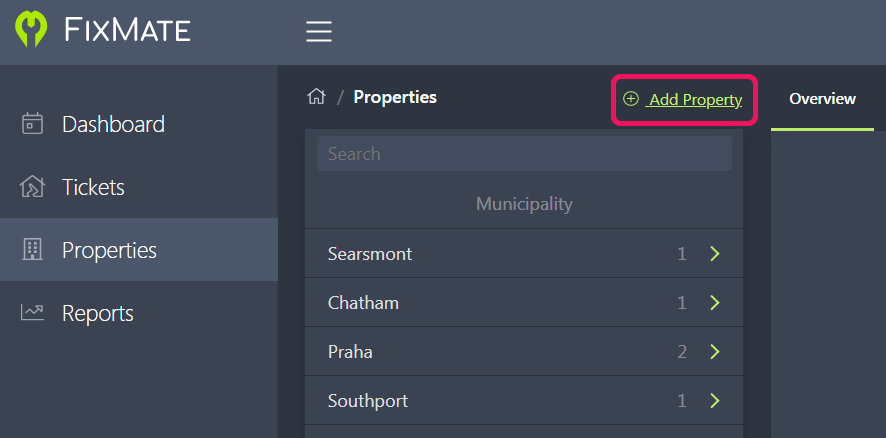
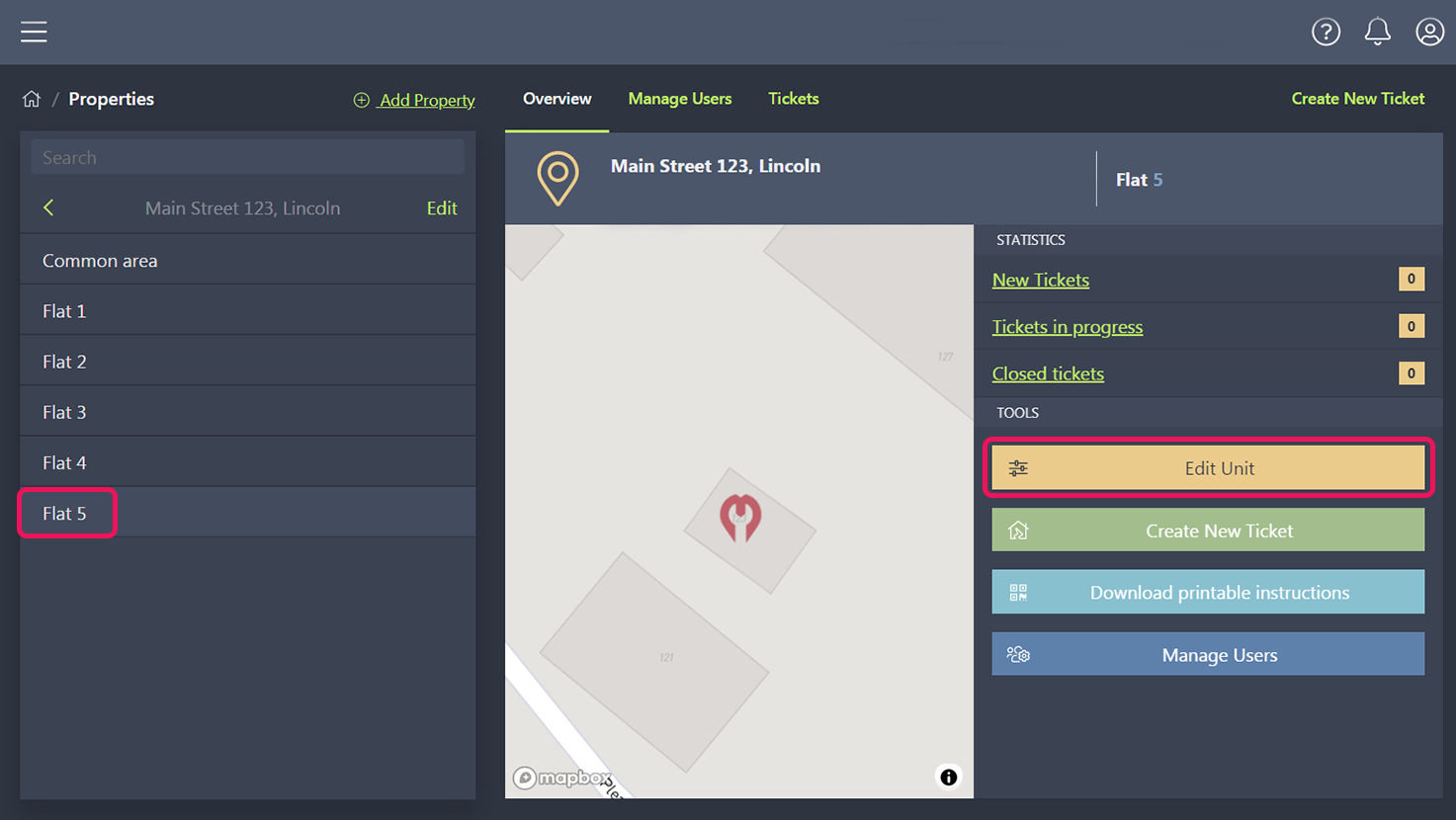
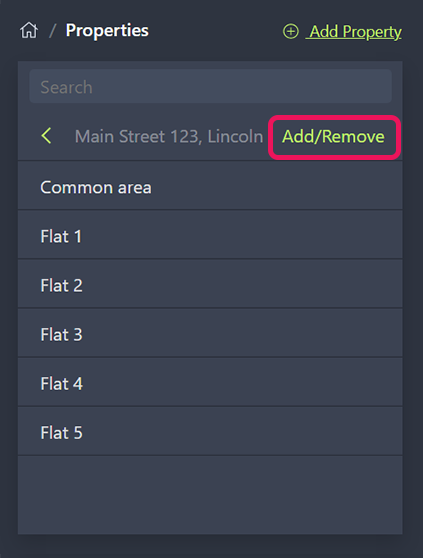
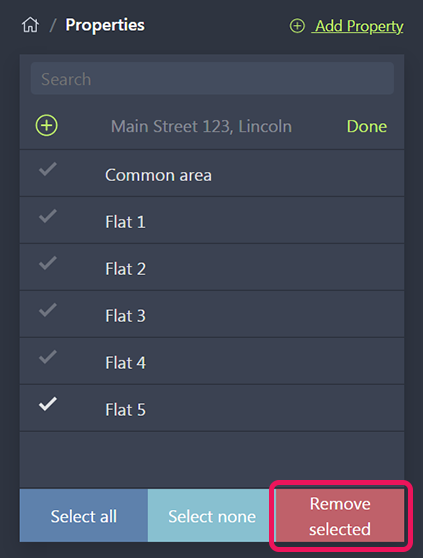
Navigate to the Properties page and select Add Property.
Click Continue to verify that you have a legal relationship to the property.
Enter the country, city, and street address of the property.
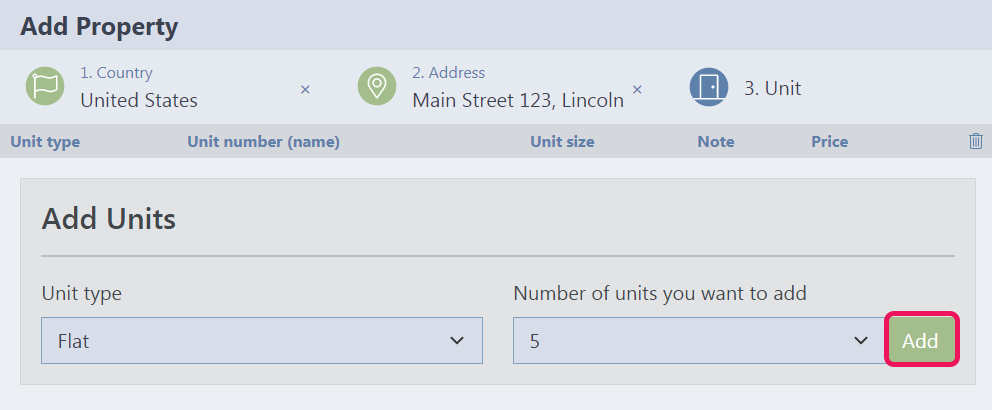
Specify the type of unit (flat or common area) and the desired number of units, then click Add.
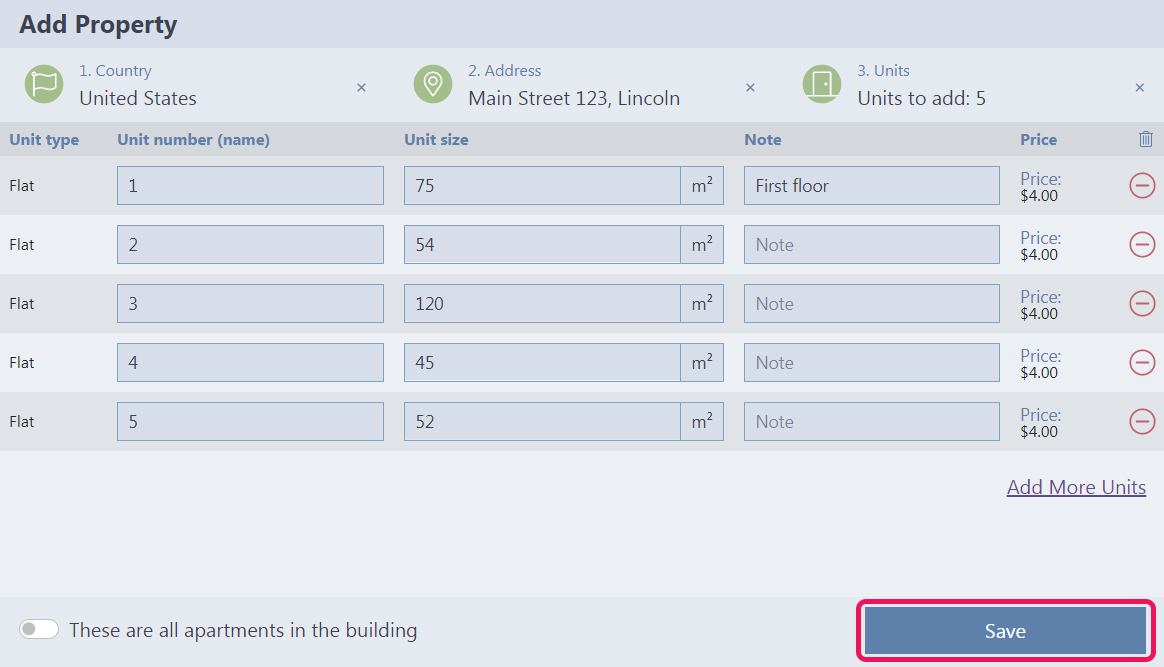
You will see an overview of the new units to be added, including any additional costs incurred. You can change the unit name, specify the unit area, or add a note. This information can also be edited later on the Properties page. Once you have reviewed and finalized your list of new units, click Save.
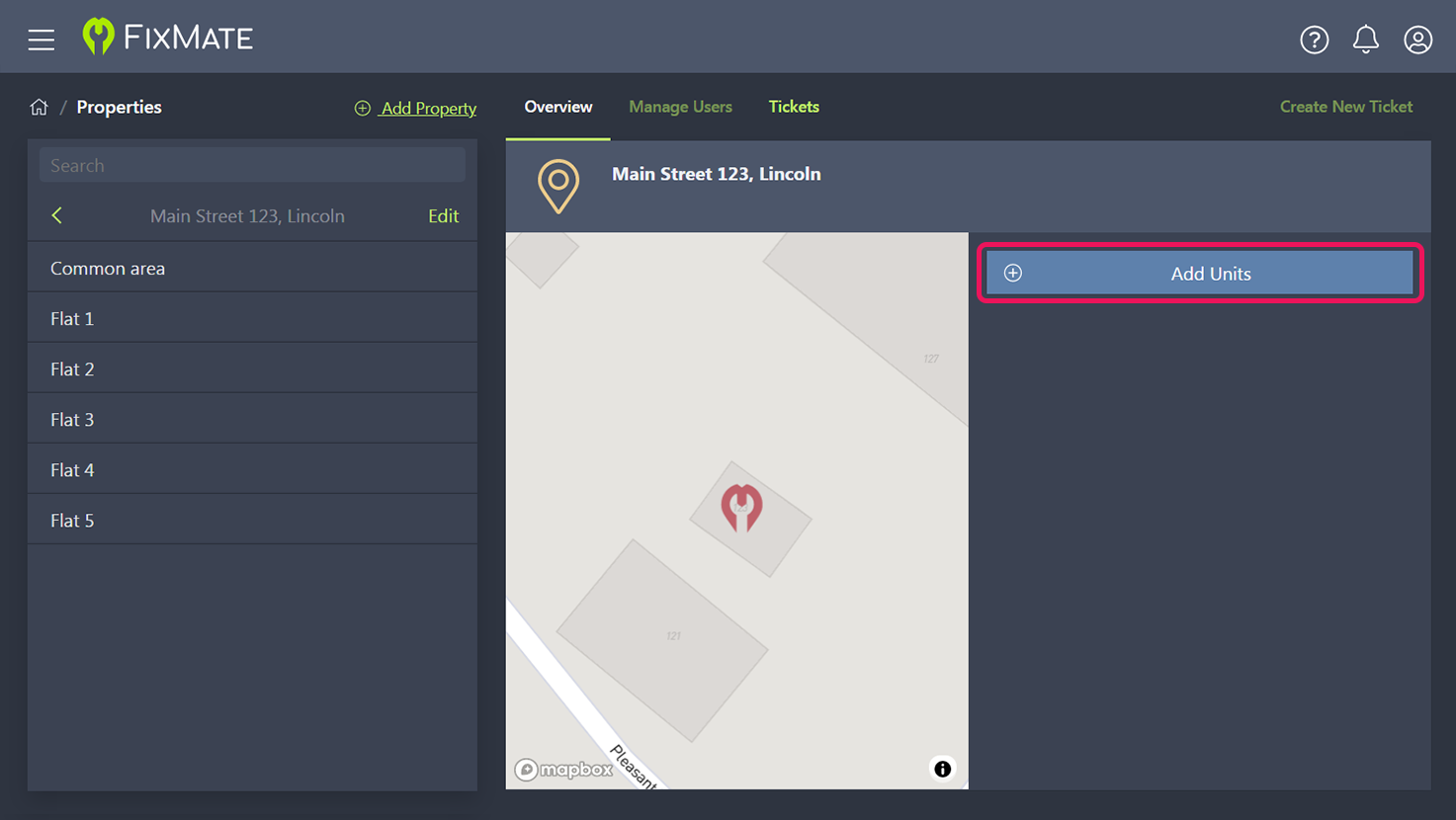
On the Properties page, select the property address and click Add Units.
Click Continue to verify that you have a legal relationship to the property.
Specify the type of unit (flat or common area) and add the desired number of units. If you surpass the number of units included in your plan, your subscription price will be adjusted accordingly.
Review the list of units to be added and update the information as needed. Once you have finalized your list of new units, click Save.