Generating QR codes
Make reporting fast and easy by posting QR codes and instructions throughout your properties.
A unique QR code can be generated for each unit and common area. When someone scans a FixMate QR code in their flat or in a common area, a new ticket will be opened for that location. The reporter can then add a description of the issue and submit the ticket.
How to generate a QR code and reporting instructions for each unit
- On the Properties page, click on the property name and select the unit.
- Click the button to Download Unit ID Card.
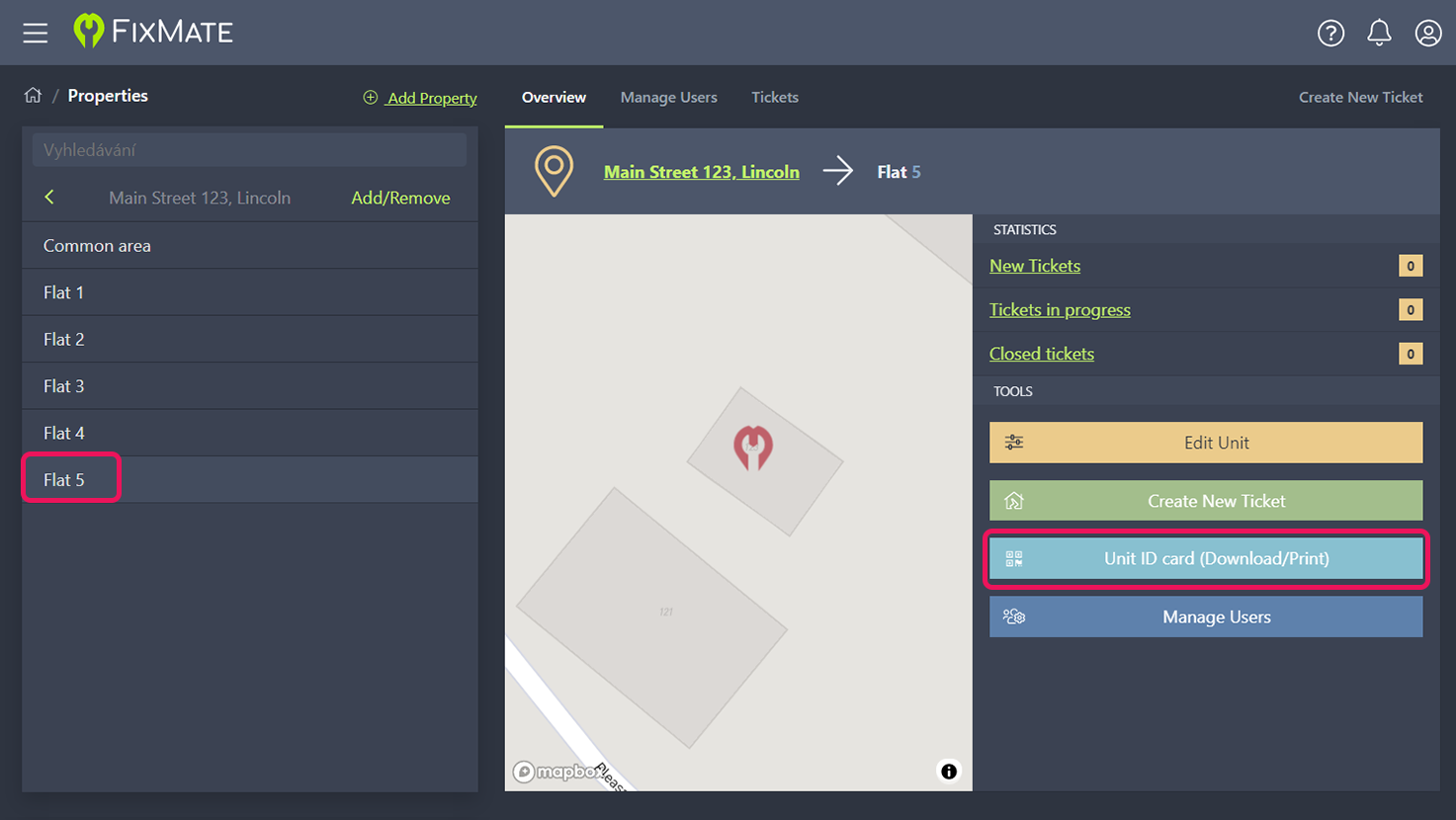
- Choose the size and language of the PDF to download.
- Repeat the process for all units in the property.
- Once the QR codes have been printed, you can easily see which unit they belong to and place them in the corresponding locations of your properties. Each printable PDF lists the address and unit number along with the QR code and instructions for creating a ticket.